
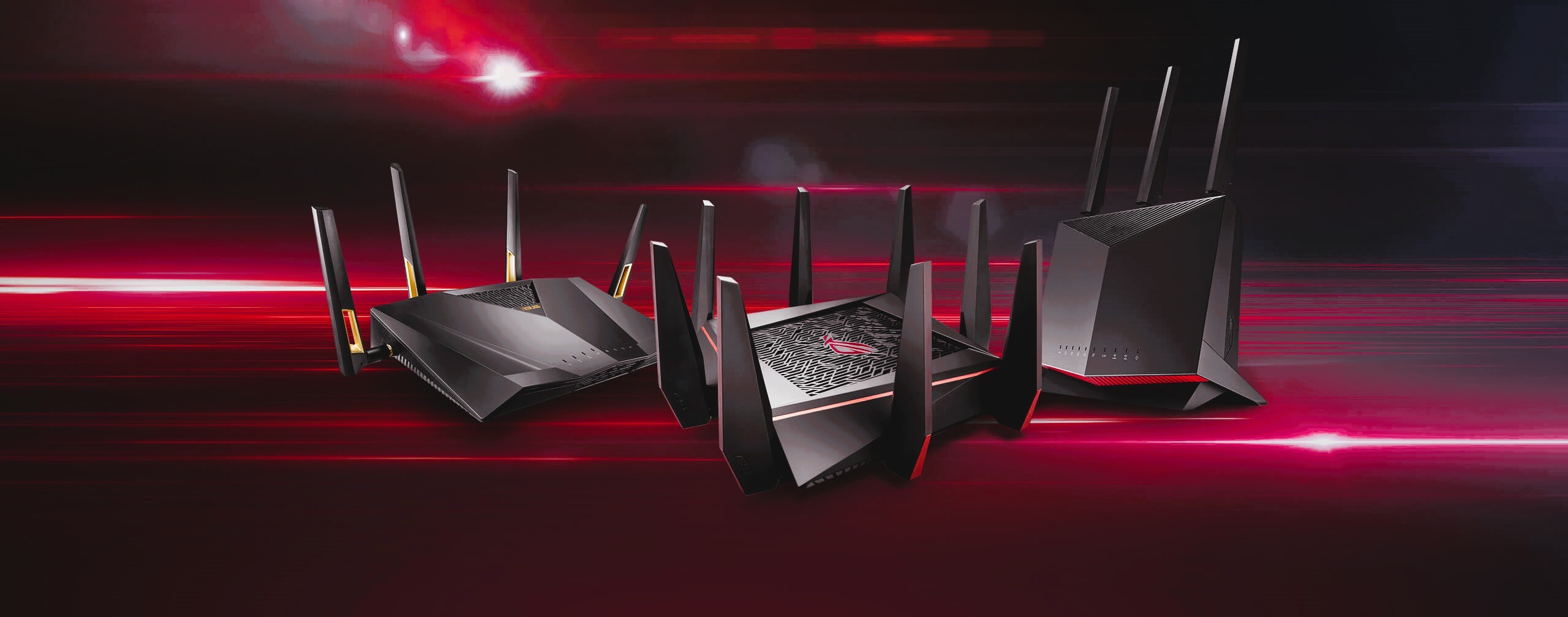
As gaming becomes more interconnected and reliant on online accounts, the risk of unauthorized access and cyber threats grows. One of the most overlooked but powerful tools for bolstering gaming account security is your router. By leveraging its built-in protection features, you can safeguard your gaming accounts and data from potential breaches.
The Importance of Securing Your Gaming Account
Gaming accounts often contain valuable personal information, including:
- Financial Data: Linked payment methods and in-game purchases.
- Personal Information: Email addresses, usernames, and passwords.
- Digital Assets: Rare skins, exclusive in-game items, or even cryptocurrencies.
A compromised gaming account can lead to significant financial losses and privacy violations. Strengthening security starts with a robust network setup.
Router Protection Features for Gaming Security
Modern routers come equipped with advanced security features designed to prevent unauthorized access and protect your devices. Here’s how they can help secure your gaming accounts:
1. Enabling WPA3 Encryption
WPA3 is the latest Wi-Fi encryption standard, offering enhanced protection compared to its predecessors. It prevents hackers from intercepting your data by encrypting the communication between your devices and the router.
How to enable:
- Access your router’s admin panel (e.g.,
192.168.0.1). - Navigate to “Wireless Settings” and select WPA3 encryption.
For more about WPA3 and its standards, visit the Wikipedia page on WPA3.
2. Setting Up a Gaming-Specific Network
Create a dedicated network for gaming devices using your router’s guest network feature. This isolates your gaming devices from other household devices, minimizing the risk of cross-network breaches.
3. Enabling Firewall Protection
Your router’s firewall acts as a barrier between your local network and external threats. Ensure it’s enabled to block unauthorized access and suspicious traffic.
Protecting Against DDoS Attacks

Distributed Denial of Service (DDoS) attacks are common in gaming. These attacks flood your network with traffic, causing disconnections and lags. Many routers offer DDoS protection features that can:
- Detect unusual traffic patterns.
- Automatically block malicious IP addresses.
Enable DDoS protection in your router’s “Security Settings” to safeguard your gaming sessions. Like our article? Read also about Optimizing Router Settings.
Parental Controls for Gaming Accounts
Parental controls aren’t just for monitoring children’s activity—they can also protect gaming accounts by:
- Restricting access to specific websites or IP addresses known for phishing or scams.
- Scheduling online activity to minimize exposure during vulnerable hours.
Regularly Update Router Firmware
Keeping your router firmware up to date ensures it’s equipped with the latest security patches. Manufacturers often release updates to address vulnerabilities and enhance protection features.
Steps to update firmware:
- Check your router model on the manufacturer’s website.
- Download the latest firmware and upload it through the admin panel.
Monitor Connected Devices
Your router’s admin panel can display all devices connected to the network. Regularly check this list to identify unauthorized devices and disconnect them immediately.
Two-Factor Authentication and Secure Passwords
While router features provide network-level security, you should also secure your gaming accounts by:
- Enabling two-factor authentication (2FA) for your accounts.
- Using unique, complex passwords for each gaming platform.
Strengthening gaming account security starts with a secure network. By leveraging router protection features such as WPA3 encryption, firewalls, and DDoS protection, you can enjoy uninterrupted and safe gaming sessions. Stay proactive by monitoring your network and updating firmware regularly.