

LAN parties and local multiplayer gaming sessions are timeless ways to bring people together for an immersive gaming experience. However, nothing kills the fun faster than network interruptions or lag. Creating a stable connection is essential to ensure everyone can focus on the game instead of troubleshooting technical issues. Here’s a comprehensive guide to setting up a reliable network for your next LAN party.
1. Use Wired Connections Whenever Possible
While Wi-Fi is convenient, it often falls short for high-performance gaming due to potential interference and latency. A wired Ethernet connection ensures a more stable and faster connection. Use a high-quality network switch to connect multiple devices, and ensure all Ethernet cables are of good quality and the right length to reach every gaming setup comfortably.
2. Assign Static IP Addresses
Dynamic IP addresses assigned by DHCP can cause conflicts or disconnections during a gaming session. Assign static IPs to all connected devices to maintain a consistent and trouble-free connection. Most routers have an option to reserve IPs for specific devices, which simplifies this process.
3. Optimize Your Router and Switch Settings
- Enable QoS (Quality of Service): Configure your router to prioritize gaming traffic over other activities like streaming or downloading.
- Open Necessary Ports: Many multiplayer games require specific ports to be open for hosting or joining sessions. Refer to the game’s manual or online support to identify these ports and configure your router accordingly.
- Reduce Interference: Turn off unnecessary wireless devices and disable unused Wi-Fi bands to free up bandwidth for gaming.
4. Choose the Right Network Hardware
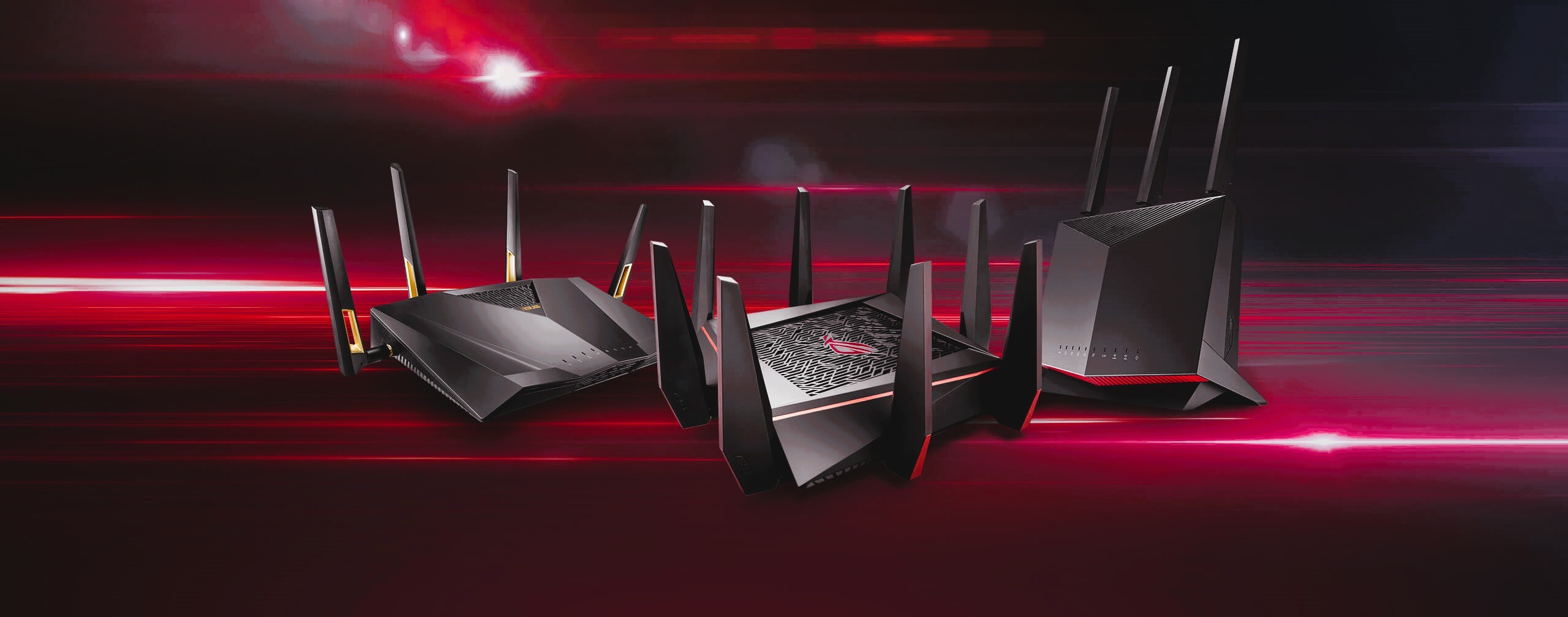
Invest in networking equipment that supports gigabit speeds. Modern routers and switches with gigabit Ethernet ports ensure that the network can handle high data transfer rates without bottlenecks. For larger setups, a managed switch can offer advanced features like VLANs (Virtual LANs) for segmenting the network.
5. Plan for Sufficient Bandwidth
Even in a LAN setup, some games may require internet connectivity for updates, authentication, or online integration. Check your internet plan to ensure it provides enough bandwidth for all participants, especially if players plan to stream gameplay or download game updates during the session.
6. Prepare the Network in Advance
Don’t leave the setup to the last minute. Set up and test the network a day or two before the LAN party. Simulate gameplay to check for latency, disconnections, or other issues. Pre-download game updates and patches on all systems to avoid delays during the event. Managing multiple devices and gaming connections simultaneously, read more in this article.
7. Backup Plan: Keep a Troubleshooting Kit
Prepare for the unexpected by having extra cables, a spare router or switch, and power strips available. This ensures you can quickly resolve hardware failures without halting the gaming session.
8. Set the Mood for Gaming
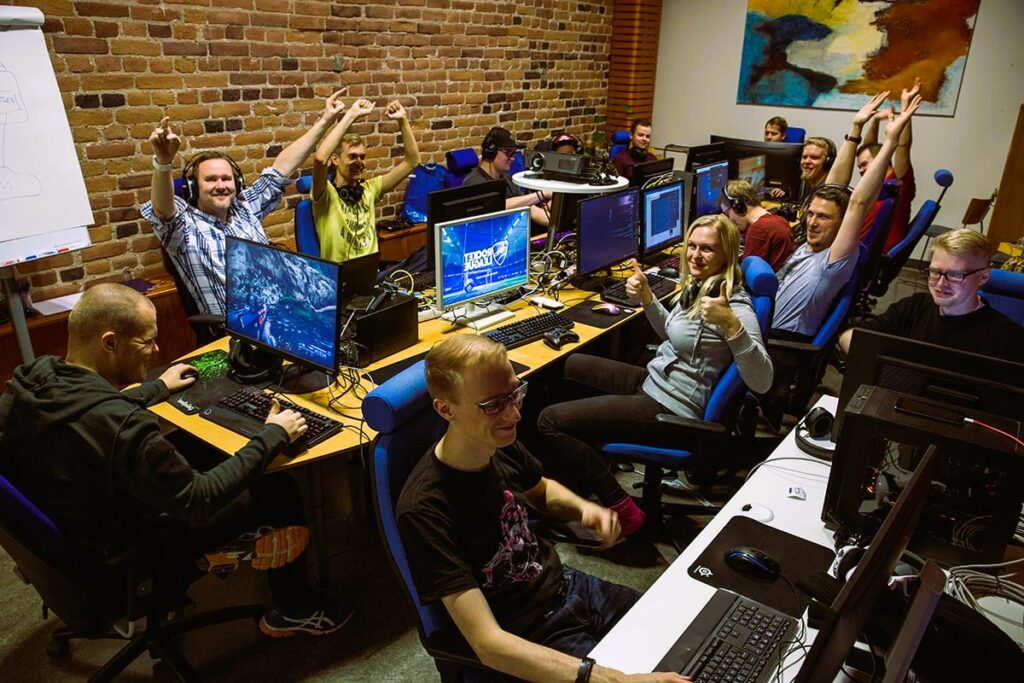
A LAN party is more than just the network—it’s an experience! Arrange comfortable seating, good lighting, and ample snacks and drinks to keep the energy high throughout the event.
By following these steps, you can create a reliable and efficient network for your LAN party or local multiplayer gaming session. For more in-depth information about LAN setups, networking tips, and troubleshooting guides, visit the Wikipedia LAN Party Guide.
With a solid network foundation, you can ensure everyone has a seamless and enjoyable gaming experience. Let the games begin! 🎮✨